AI explainer video maker
Animated explainer videos without an animator
Good explainers have a hook, a clear structure and a payoff. AiShots360 plans each video like a director: it picks an opening that stops the scroll (a big number, a myth, a quiz, a map zoom), builds tension, lands the reveal and ends with a call to action. Then it animates the whole thing with maps, charts, characters and sound, ready to post.
2 free videos · no card needed
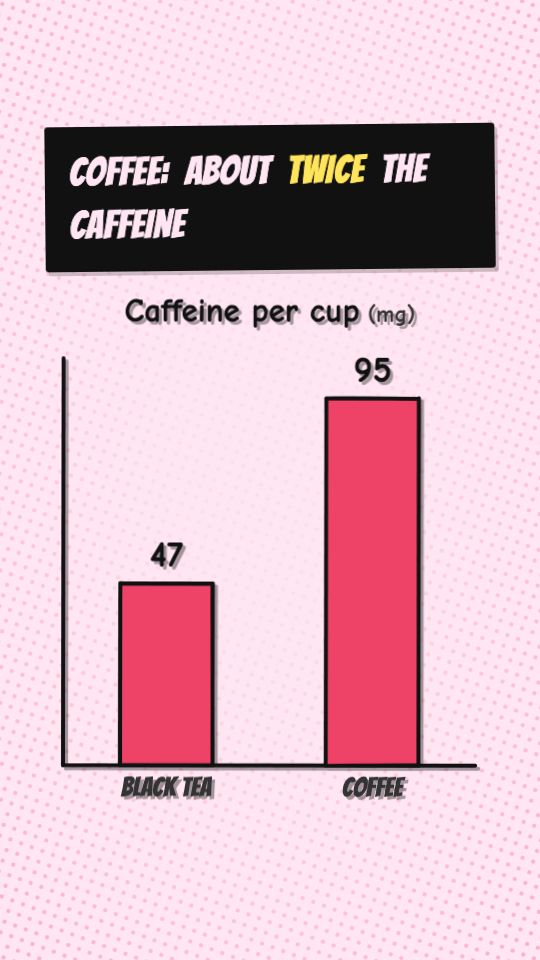
Versus with an animated chart 
Top-3 countdown with a map 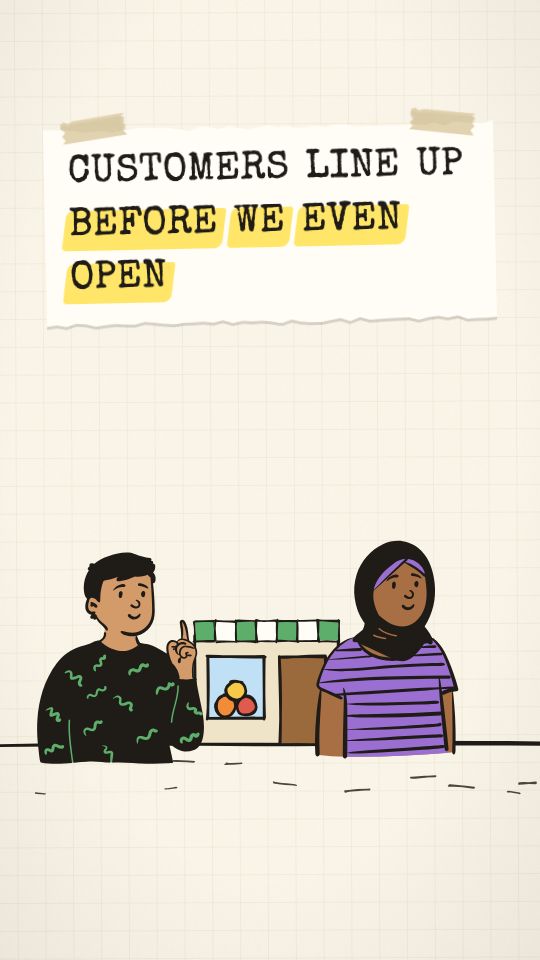
A small-business promo
Why creators use AiShots360 as their AI explainer video maker
A hook in the first second
Nine opening styles, and a hook checker that scores your first line and suggests a stronger one.
Data you can see
Animated bar and line charts, big-number cards, versus scenes, "1 in N" icon grids and shaded maps.
Maps that fly
Zoom from a spinning globe to a country, tour cities along a dashed route, or shade regions by your numbers.
Made for brands too
Add your logo, your face as a character and your own product pictures; end on a call-to-action card.
How it works
- 1Describe what to explain
- 2AI plans the hook, scenes and visuals
- 3Review, voice and render
Questions
What makes a good explainer video?
A strong hook in the first 3 seconds, one idea per scene, visuals that show the numbers, and a clear ending. AiShots360 builds every storyboard around that structure.
How long should an explainer video be?
For TikTok, Reels and Shorts, 30 to 60 seconds works best; for YouTube or a website, 90 to 150 seconds. AiShots360 has presets for 30, 60, 90 and 120 seconds.
Can I make explainer videos for my business?
Yes. Pick your industry and AiShots360 adapts the tone, props, palette and call to action. Videos are yours to use commercially.
Does it check facts?
The AI is good but not perfect. Always check names, numbers and maps before publishing; everything is editable.