AI doodle video maker
Make a doodle video from one sentence
AiShots360 is an AI doodle video maker: you type a topic, and it writes the script, draws every scene in a hand-drawn style, records the voiceover and types the captions in time with the voice. No drawing, no timeline, no stock footage. Lines wobble like real ink, characters act out the story and the camera follows the beats, so it feels made by hand, not stitched from clip art.
2 free videos · no card needed
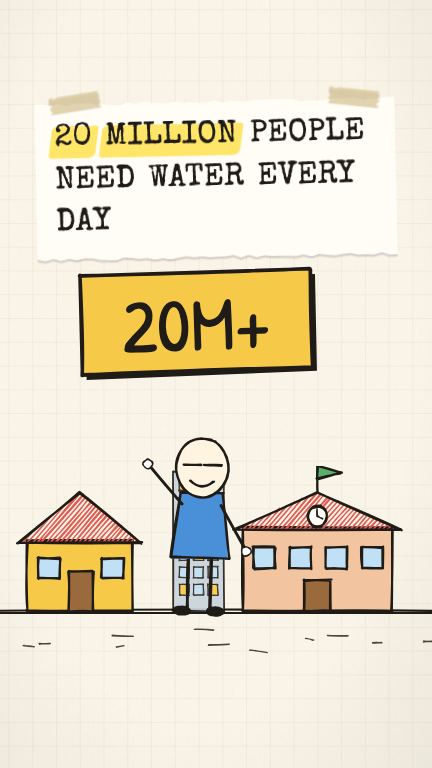
Classic doodle: a stat with characters and props 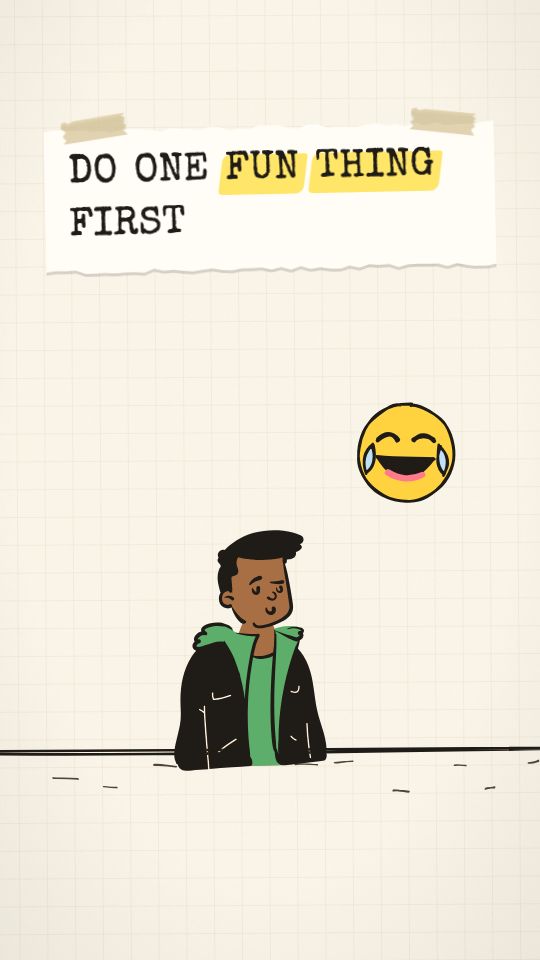
A funny doodle explainer 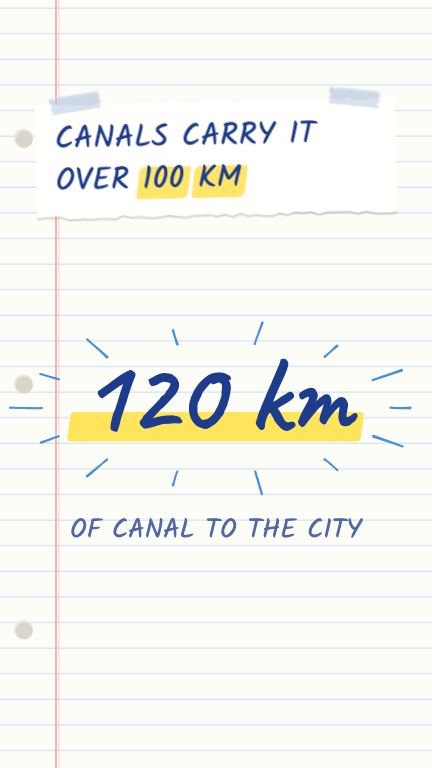
Notebook doodle style
Why creators use AiShots360 as their doodle video maker
Real hand-drawn look
Every line is drawn with a sketchy pen, and on Pro motion the lines draw themselves on screen, just like a doodle artist at work.
Characters that act
Stick figures, illustrated people, animals and talking map mascots wave, laugh, gasp and react to what is being said.
Five doodle styles
Classic doodle, chalkboard, paper cut-out, notebook and comic, each with seven colour palettes.
Edit by clicking
Change any word of the script or any scene. Narration stays the timeline, so scenes re-time themselves automatically.
How it works
- 1Type your topic
- 2AI writes and draws the scenes
- 3Download the doodle MP4
Questions
What is a doodle video?
A doodle video tells a story with simple hand-drawn illustrations, text and a voiceover. It is popular for explainers because the casual drawings are easy to follow and feel personal.
Do I need to know how to draw?
No. AiShots360 draws every scene for you from a library of hand-drawn characters, props and maps. You only type the topic and adjust what you like.
How long does it take to make a doodle video?
The script and storyboard take about a minute, the voiceover a few seconds, and the final render a few minutes, depending on length (30 to 150 seconds).
Is there a free doodle video maker?
Yes. The free plan gives you 2 complete videos with voiceover and captions, in 720p with a small "Made with AiShots360" tag. No card needed.